Tiny Baby Tracker vs Baby Feed Timer
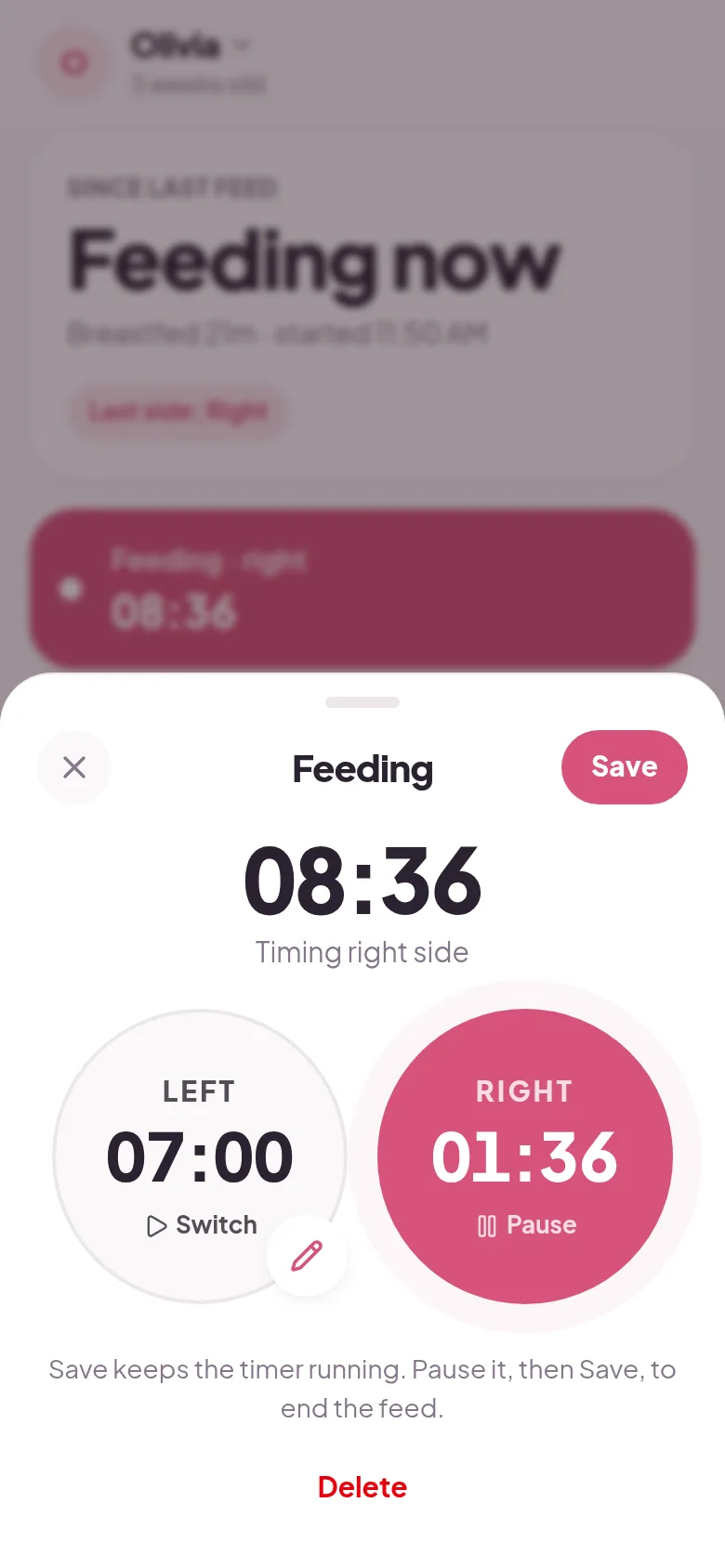
Both apps are built around a big left and right breastfeeding timer. Baby Feed Timer adds an Apple Watch app, widgets, Siri, a which-side reminder, and a web viewer, and on iPhone it costs $9.99 once after a 7-day trial. Tiny Baby Tracker is free, with no trial.
If you want a free Baby Feed Timer alternative that works the same on iPhone and Android, and lets each caregiver sign in with their own email, that's what Tiny Baby Tracker is.
Which one should you use?
Pick Baby Feed Timer if
you want to log from an Apple Watch, a widget, or Siri, or you want a reminder that tells you which breast to start on. A single $9.99 payment that covers the whole family is fine with you.
Pick Tiny Baby Tracker if
you'd rather not pay at all, and you want every caregiver on their own sign-in with updates that show up within seconds. It works in any phone browser, iPhone or Android.
Is Baby Feed Timer free?
Not on iPhone. Baby Feed Timer has a 7-day free trial, then the app stops working until you buy the Full Version for $9.99, a one-time in-app purchase. It is not a subscription, and nothing bills you automatically. After the trial you can still export your data.
On Android, Baby Feed Timer is free with ads, served through Google AdMob, with in-app purchases from $1.49 to $8.49.
One purchase unlocks every device signed in to your Baby Feed Timer account, on iPhone and Android.
Baby Feed Timer vs Tiny Baby Tracker, side by side
| Baby Feed Timer | Tiny Baby Tracker | |
|---|---|---|
| Price | iOS: $9.99 once after a 7-day trial. Android: free with ads | Free |
| Download | App Store or Google Play | None, opens in your browser |
| Left and right feeding timer | Yes, with a which-side reminder | Yes, remembers the last side |
| Bottles, pumping, diapers, sleep, and solids | Yes | Yes |
| Caregiver sharing | Everyone signs in to one shared account | Free, everyone gets their own sign-in |
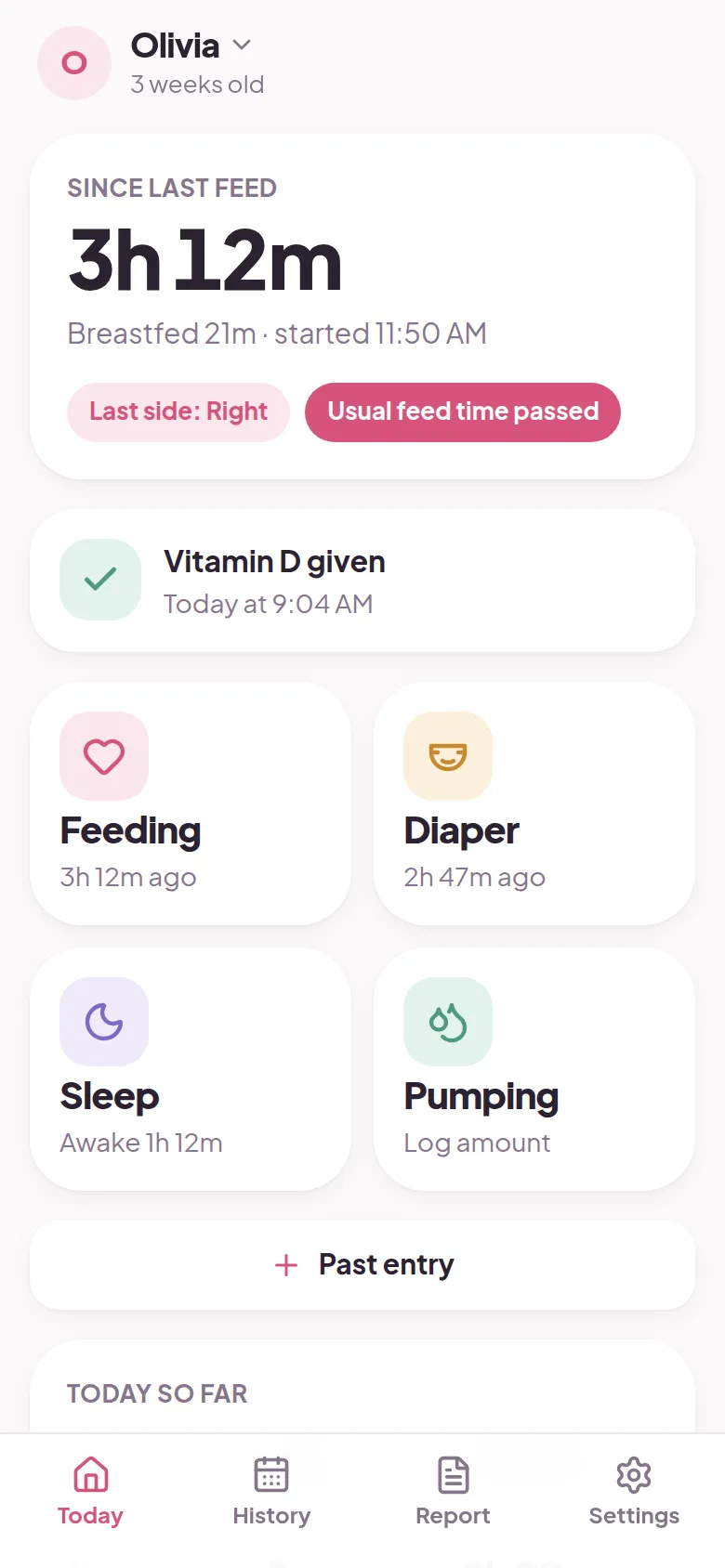
| How sync works | When you open or close the app | Live, within seconds |
| Growth with WHO percentiles | Yes, weight and length | Yes, weight, length, and head size |
| Medicine and temperature | Yes | Vitamin D reminder only |
| Apple Watch, widgets, and Siri | Yes | No |
| On a computer | Web viewer | Full tracker in the browser |
| Night mode | Turns on by itself using the light sensor | Turns on by itself at night |
Baby Feed Timer prices and features are from its App Store and Google Play listings, website, help center, and privacy policies, checked October 2026.
What Baby Feed Timer does better
Apple Watch, widgets, and Siri
Baby Feed Timer has an Apple Watch app that works even when your iPhone is off or away, Lock Screen and Home Screen widgets, and hands-free logging with Siri shortcuts. Tiny Baby Tracker has none of these.
A reminder that tells you which side
Its next-feed notification shows which breast to start on and can break through Do Not Disturb. Several App Store reviews call it a lifesaver for tired parents.
Medicine, temperature, and notes
Baby Feed Timer logs medication and temperature, and lets you add notes to any entry. Tiny Baby Tracker covers feeds, diapers, sleep, pumping, solids, growth, and Vitamin D, with no notes.
A night mode that reads the room
Its night mode switches on by itself using your phone's light sensor. Tiny Baby Tracker turns dark on a set schedule, 7pm to 7am. Baby Feed Timer also has a web viewer for checking the log on a computer.
What Tiny Baby Tracker does better
Free on iPhone, with no trial
Baby Feed Timer stops working on iPhone after 7 days unless you pay $9.99. Tiny Baby Tracker has no trial and no paid tier, on any phone.
Everyone gets their own sign-in
Baby Feed Timer shares a log by having everyone use the same account email and password. Tiny Baby Tracker sends an invite link, and each person signs in with their own email. There is no limit on caregivers.
Updates show up in seconds
Baby Feed Timer syncs when you open or close the app. Tiny Baby Tracker syncs live, and with feed alerts on, your phone buzzes when your partner starts a breastfeed.
How to switch from Baby Feed Timer
Tiny Baby Tracker can't import a Baby Feed Timer log. Baby Feed Timer lets you email your data to yourself, even after the iPhone trial ends, so do that first to keep a copy.
Then open the tracker, sign in with your email, and add your baby. Send the invite link from Settings to your partner. Each of you uses your own email.
Questions about Baby Feed Timer and Tiny Baby Tracker
How much is Baby Feed Timer?
On iPhone it is free for 7 days, then $9.99 once for the full version. On Android it is free with ads. Tiny Baby Tracker is free on both.
Is Baby Feed Timer a subscription?
No. The iPhone full version is a one-time in-app purchase, and the trial doesn't bill you automatically. One purchase covers every device signed in to the same account.
How do I share Baby Feed Timer with my partner?
You both sign in to one Baby Feed Timer account with the same email and password. In Tiny Baby Tracker, you send an invite link and your partner signs in with their own email.
Is there a free alternative to Baby Feed Timer?
Yes. Tiny Baby Tracker is free and has a left and right breastfeeding timer that remembers the last side. It doesn't have a watch app, widgets, or Siri.
Can I move my Baby Feed Timer history to Tiny Baby Tracker?
No. Tiny Baby Tracker can only import from Nara Baby. Email your Baby Feed Timer data to yourself first so you keep your old log. Tiny Baby Tracker can export a CSV of your new log any time.
Does Baby Feed Timer work on a computer?
It has a web viewer for looking at your log. Tiny Baby Tracker runs fully in a computer browser, so you can log from there too.
Other apps parents compare
Still deciding? See how Tiny Baby Tracker stacks up against Feed Baby and Baby Tracker (Nighp), or read every baby tracker app comparison in one place. Weighing more than two apps? Here are the best Baby Feed Timer alternatives, free and paid.
Try it on tonight's feeds
Sign in with your email and log your first feed in under a minute. Share it with your partner from Settings.
Start tracking free