Tiny Baby Tracker vs Huckleberry
Both apps log feeds, diapers, sleep, and pumping for free. Huckleberry is a sleep app first, with paid nap predictions, sleep plans, and an Apple Watch app. Tiny Baby Tracker is a simpler log, with growth charts and CSV export included for free.
If you want a free Huckleberry alternative where each parent signs in with their own email and nothing needs downloading, that's what Tiny Baby Tracker is.
Which one should you use?
Pick Huckleberry if
you want nap time predictions, a sleep plan, or milestones, temperature, and medicine in the same app, and you're happy to pay for Plus or Premium. It's also the pick if you log from an Apple Watch.
Pick Tiny Baby Tracker if
you mostly need to know when baby last ate, which side, and how many diapers today. Every caregiver gets their own sign-in, and there is no paid tier to run into.
Is Huckleberry free?
The basic app is. Huckleberry's free version covers its trackers (feeds, diapers, sleep, pumping, solids, and more), reminders, more than one child, and syncing between caregivers.
The sleep help costs money. Plus is $11.99 a month, or $5.74 a month billed yearly, and adds SweetSpot nap predictions, schedules, widgets, Apple Watch, and Siri. Premium is $14.99 a month, or $9.99 a month billed yearly, and adds the Berry AI chat and a custom sleep plan from its sleep team.
New accounts get 14 days of Premium with no card. The trial starts when you create the account, and Huckleberry says it can't be paused.
Huckleberry vs Tiny Baby Tracker, side by side
| Huckleberry | Tiny Baby Tracker | |
|---|---|---|
| Price | Free tier, Plus from $5.74/mo, Premium from $9.99/mo (billed yearly) | Free |
| Free trial | 14 days of Premium, no card | No trial needed |
| Download | App Store or Google Play | None, opens in your browser |
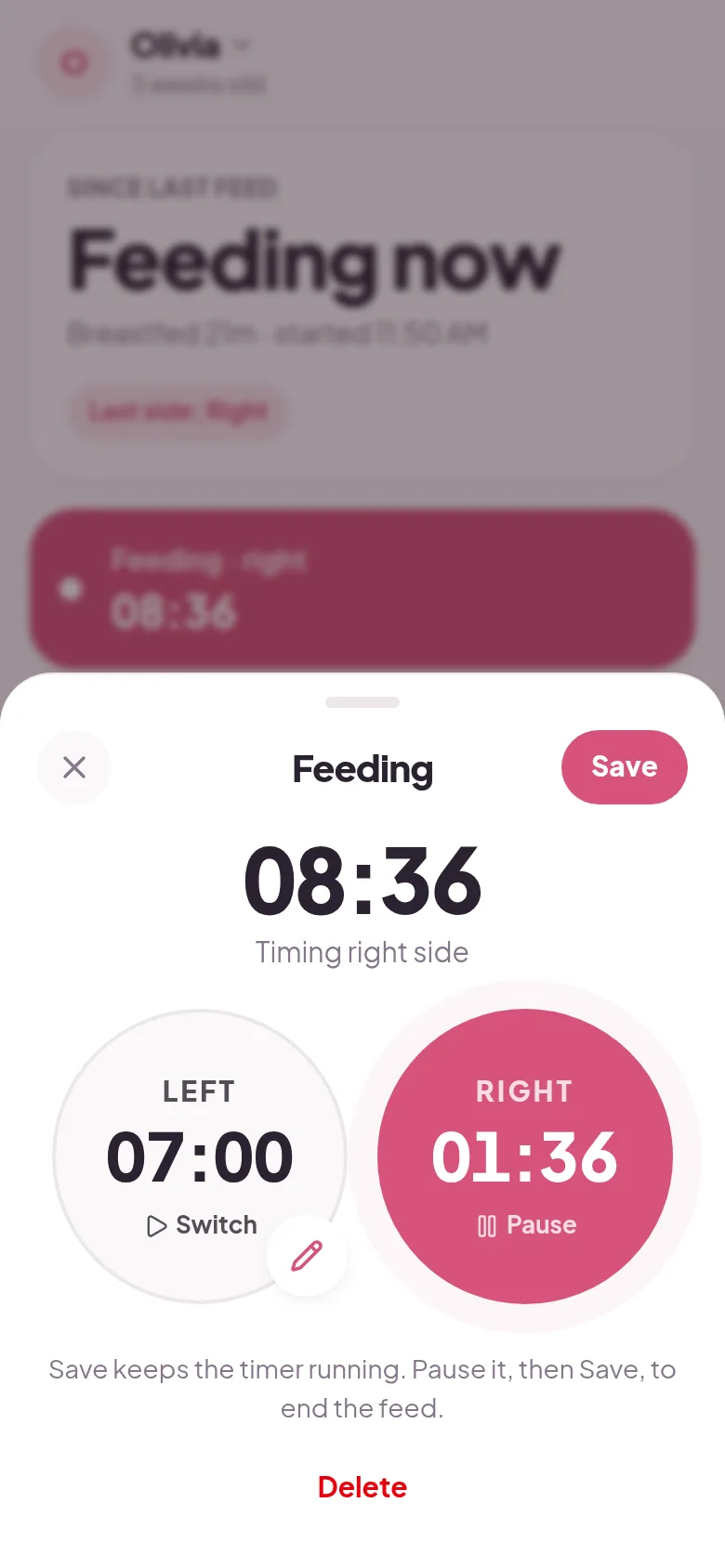
| Left and right feeding timer | Yes, free | Yes |
| Bottles, pumping, diapers, sleep, and solids | Yes, free | Yes |
| Caregiver sharing | Free, everyone signs in to one account | Free, everyone gets their own sign-in |
| Nap predictions (SweetSpot) | Plus or Premium | No |
| Growth charts | Yes, WHO percentiles | Yes, with WHO percentiles |
| Milestones | Yes | No |
| Medicine and temperature | Yes | Vitamin D reminder only |
| Widgets, Apple Watch, and Siri | Plus or Premium | No |
| Export your log | CSV by email | CSV or backup file |
| Import from another app | Not supported | From Nara Baby |
| Night mode | Light, dark, or system | Turns on by itself at night |
Huckleberry prices and features are from its pricing page, help center, and App Store listing, checked October 2026.
What Huckleberry does better
Nap time predictions
SweetSpot suggests when your baby will be ready for the next nap, starting around 2 months. Parents in App Store reviews call it accurate. It needs Plus or Premium.
More to track
Huckleberry logs milestones, temperature, medicine, potty training, and activities like tummy time. Tiny Baby Tracker covers feeds, diapers, sleep, pumping, solids, growth, and Vitamin D.
Phone and watch extras
Huckleberry has home screen widgets, lock screen timers, Siri, and an Apple Watch app, all on the paid plans. Tiny Baby Tracker runs in your browser and doesn't have any of these.
Sleep coaching
Premium includes a custom sleep plan and the Berry AI chat. If you're stuck on sleep and want a plan, Huckleberry offers one and we don't.
What Tiny Baby Tracker does better
Everyone gets their own sign-in
Huckleberry shares a log by having every caregiver sign in to the same account. Tiny Baby Tracker sends an invite link, and each person signs in with their own email. There is no limit on caregivers.
Nothing to upgrade to
There is no paid tier, so no trial countdown and no upgrade screens. Several recent Huckleberry reviews on the App Store complain about frequent upgrade pop-ups.
A heads-up when your partner starts a feed
Turn on feed alerts and your phone buzzes when someone else in the family starts a breastfeed, so you know without asking.
Nothing to download
It opens in Safari or Chrome. Add it to your home screen and it works like an app, even with no signal. Entries sync when you are back online.
How to switch from Huckleberry
Tiny Baby Tracker can't import a Huckleberry log yet. Before you switch, use Huckleberry's export to email yourself a CSV of each child's history so you keep a copy.
Then open the tracker, sign in with your email, and add your baby. Send the invite link from Settings to your partner, and log the next feed in both apps if you want a day of overlap.
Questions about Huckleberry and Tiny Baby Tracker
Is there a free alternative to Huckleberry?
Yes. Tiny Baby Tracker is free and logs feeds with a left and right timer, bottles, diapers, sleep, pumping, and solids. Huckleberry's own free tier covers basic tracking too, so the real question is whether you need its paid sleep features.
Does Huckleberry charge to share with my partner?
No. Sharing is free in Huckleberry, but it works by signing in to the same account on each phone. In Tiny Baby Tracker each person joins with their own email through an invite link, also free.
Can I move my Huckleberry history to Tiny Baby Tracker?
Not yet. Tiny Baby Tracker can only import from Nara Baby. Huckleberry lets you export a CSV, so you can keep a copy of your old log. Tiny Baby Tracker can export your new log as a CSV too.
Does Tiny Baby Tracker predict naps like SweetSpot?
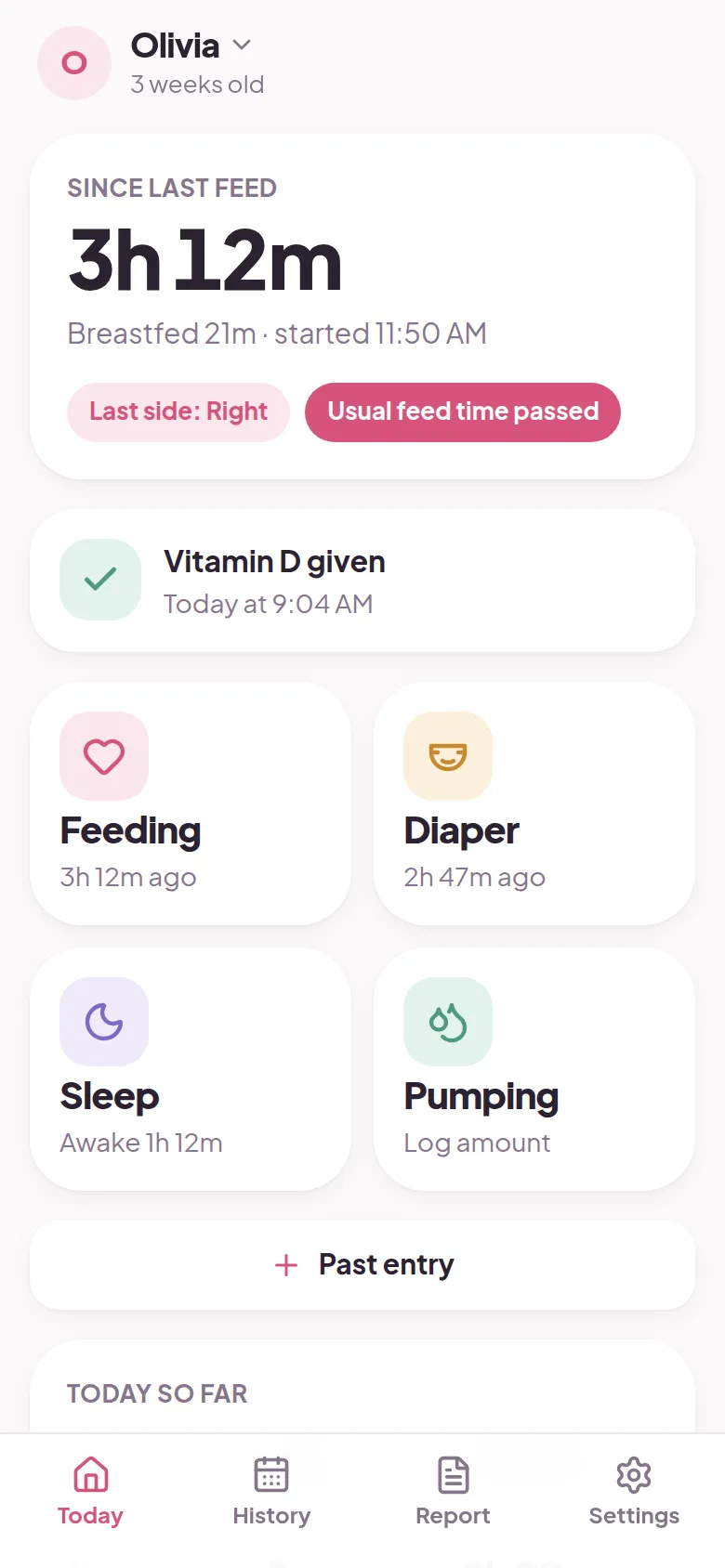
No. It shows how long it's been since the last feed and when the next one usually comes, based on the last three days. It doesn't predict sleep.
Does Huckleberry work without signal?
Mostly. Huckleberry says logging works offline and syncs later. Tiny Baby Tracker works the same way: entries save on your phone first and sync when you are back online.
Is Huckleberry on Apple Watch?
Yes, on the Plus or Premium plan, and not on Android watches. Tiny Baby Tracker doesn't have a watch app.
Other apps parents compare
Still deciding? See how Tiny Baby Tracker stacks up against Napper and Baby Daybook, or read every baby tracker app comparison in one place. Weighing more than two apps? Here are the best Huckleberry alternatives, free and paid.
Try it on tonight's feeds
Sign in with your email and log your first feed in under a minute. Share it with your partner from Settings.
Start tracking free